70% of your carts are abandoned. You send zero emails about it.
StoryNova Cart Recovery saves every cart the moment a shopper types their email, sends one clean reminder with a button that rebuilds the cart, and shows you the revenue it brought back.
Works with classic and block checkout. Guests and logged-in customers. No monthly fee, ever.
Four steps you never touch
Install it, send yourself the test email, and get on with running the store.
Capture
Shopper adds products and types an email at checkout. The cart is saved instantly, even if they never press "Place order".
Wait
Thirty minutes of silence and it's abandoned. An hour later the reminder goes out. Both delays are yours to set.
Restore
One click rebuilds their exact cart and lands them on checkout with their email filled in. Pro adds a single-use coupon locked to that shopper.
Count
When they order, the cart is marked recovered, the order gets a note, and the total lands on your dashboard.
Pay once, or pay yearly. Never both.
Your first recovered order pays for it. Everything after that is margin.
Free
- Cart capture for guests and customers
- The full three-email sequence, your delays, your words
- One-click restore and unsubscribe links
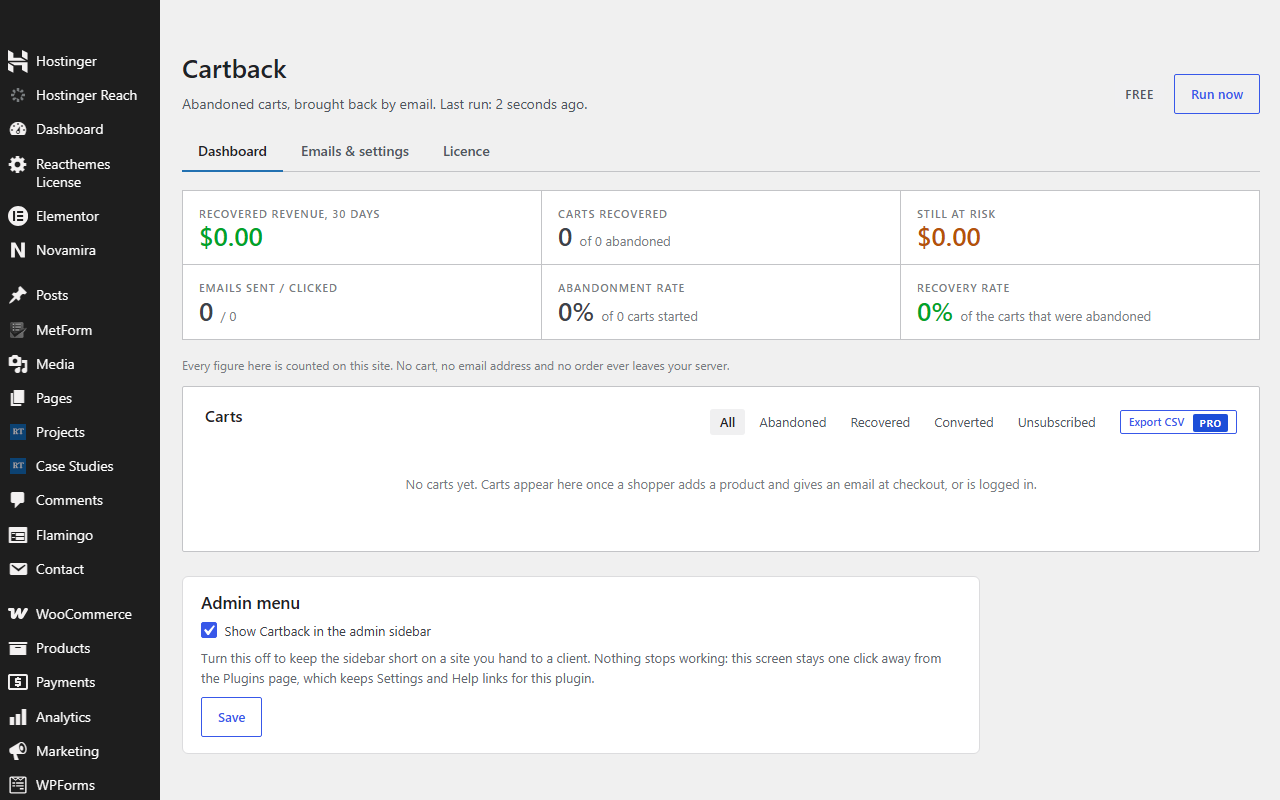
- Recovered-revenue dashboard
- Send now and test email buttons
GPL. Also on WordPress.org.
Pro
- Everything in Free, plus a small Pro add-on you install next to it
- Automatic expiring coupons, one per shopper
- A cart-value floor, so you never discount a small order
- CSV export
- Licence for 2, 10 or unlimited sites, every future update
- Priority support
30-day refund, no questions asked. Terms.
Free against free
Paid against paid
Questions store owners ask
How do I install Pro?
Keep the free plugin installed and upload the StoryNova Cart Recovery Pro add-on from your purchase email, then paste your licence key on its Pro tab. The free plugin never expires and never locks anything; Pro only adds features.
Does it catch guests who never finish checkout?
Yes. A small script saves the cart the moment the email field is filled, so a shopper who types an email and closes the tab is still reachable.
Is it allowed under GDPR?
You can show a consent note under the email field, every email has an unsubscribe link, and carts are pruned after 90 days. Data never leaves your server.
What if my site can't send email?
The test button tells you in one click. Any SMTP plugin fixes it, and you should have one for WooCommerce's own emails anyway.
Block checkout or classic?
Both. Capture works on either, and orders from the block checkout's Store API are matched to their cart.
How do I install it?
Download the zip, then in WordPress go to Plugins → Add New → Upload Plugin, choose the zip and click Install, then Activate. Pro features switch on when you paste your licence key on the plugin's Licence tab. No FTP and no build step. Updates arrive through the normal WordPress plugin updater.